

The Observations Module


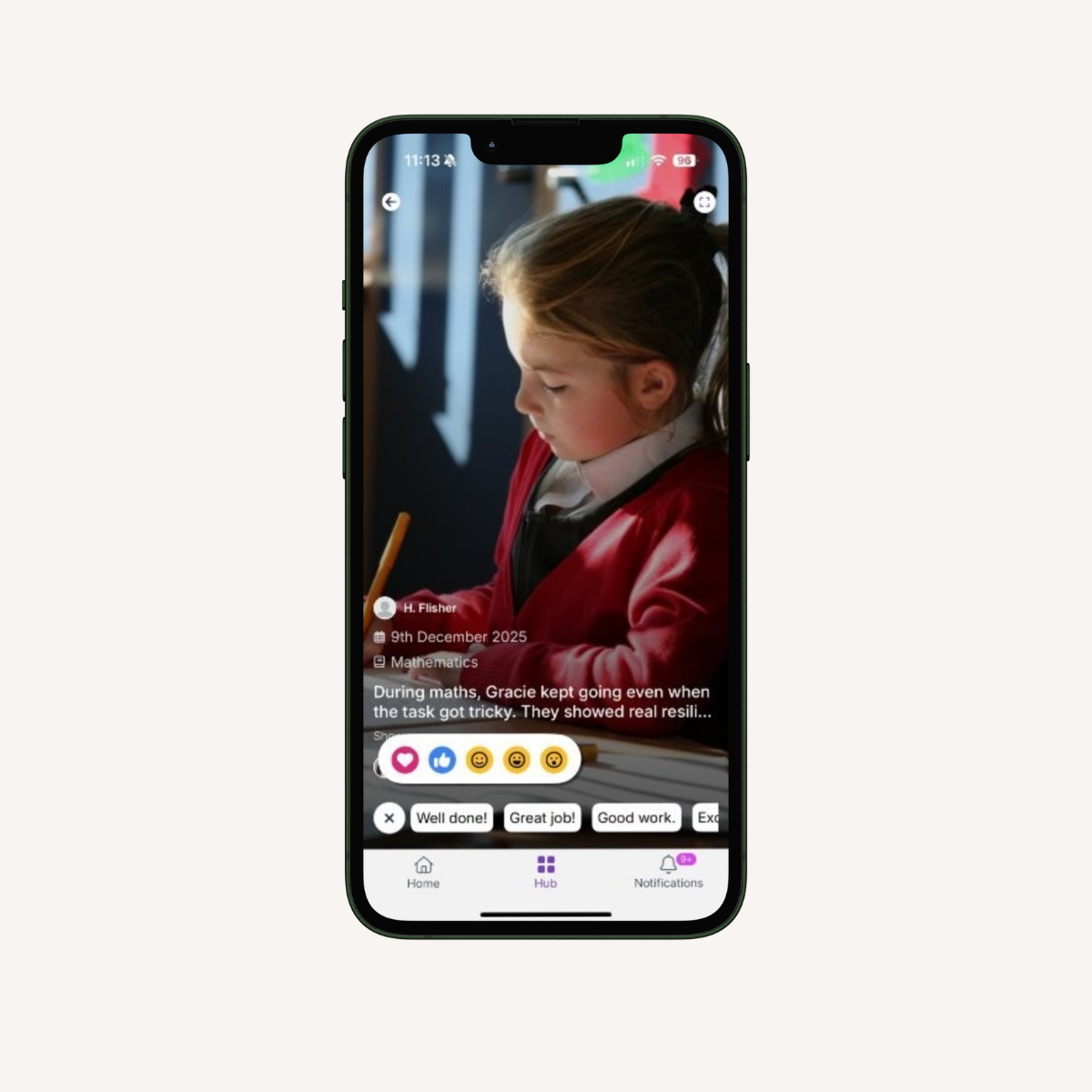
The Observations Module helps schools capture and share meaningful classroom moments, giving families a clearer view of their child's development. Seamlessly integrated with the Juniper Education App and Sonar Tracker, it enables staff to securely record and share observation evidence, helping improve parental engagement and enhance the quality of education through stronger connections between school and home.


Mockup Spread - Observations 2

What is the Observations Module?

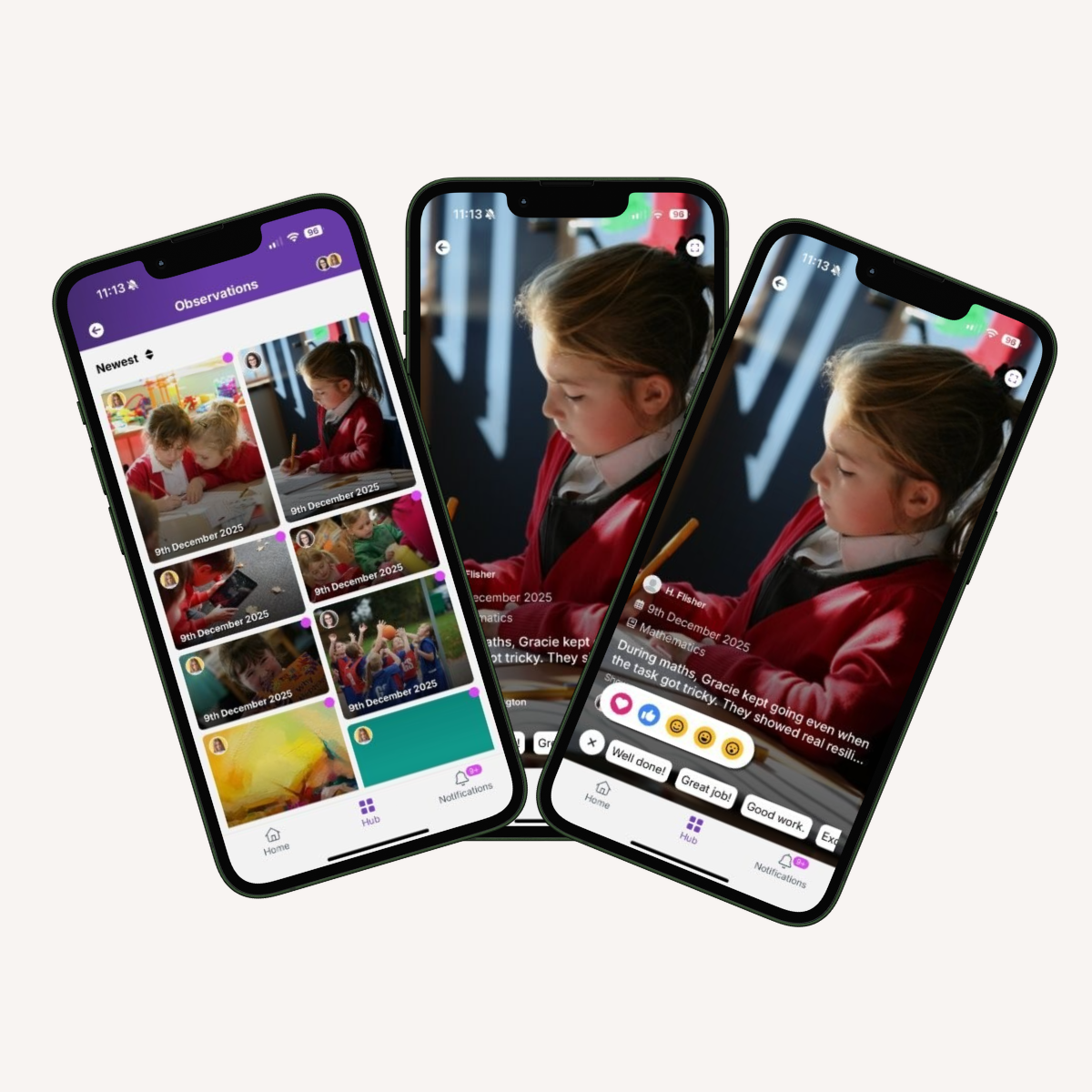
 The Observations Module supports early years settings by enabling staff to securely capture learning and build clear evidence of progress. Observations flow directly into the Juniper Education App from Sonar Tracker, helping teachers track development while keeping parents connected to their child’s learning in real time. 


Supporting assessment, insight and parental engagement:

Capture meaningful learning evidence
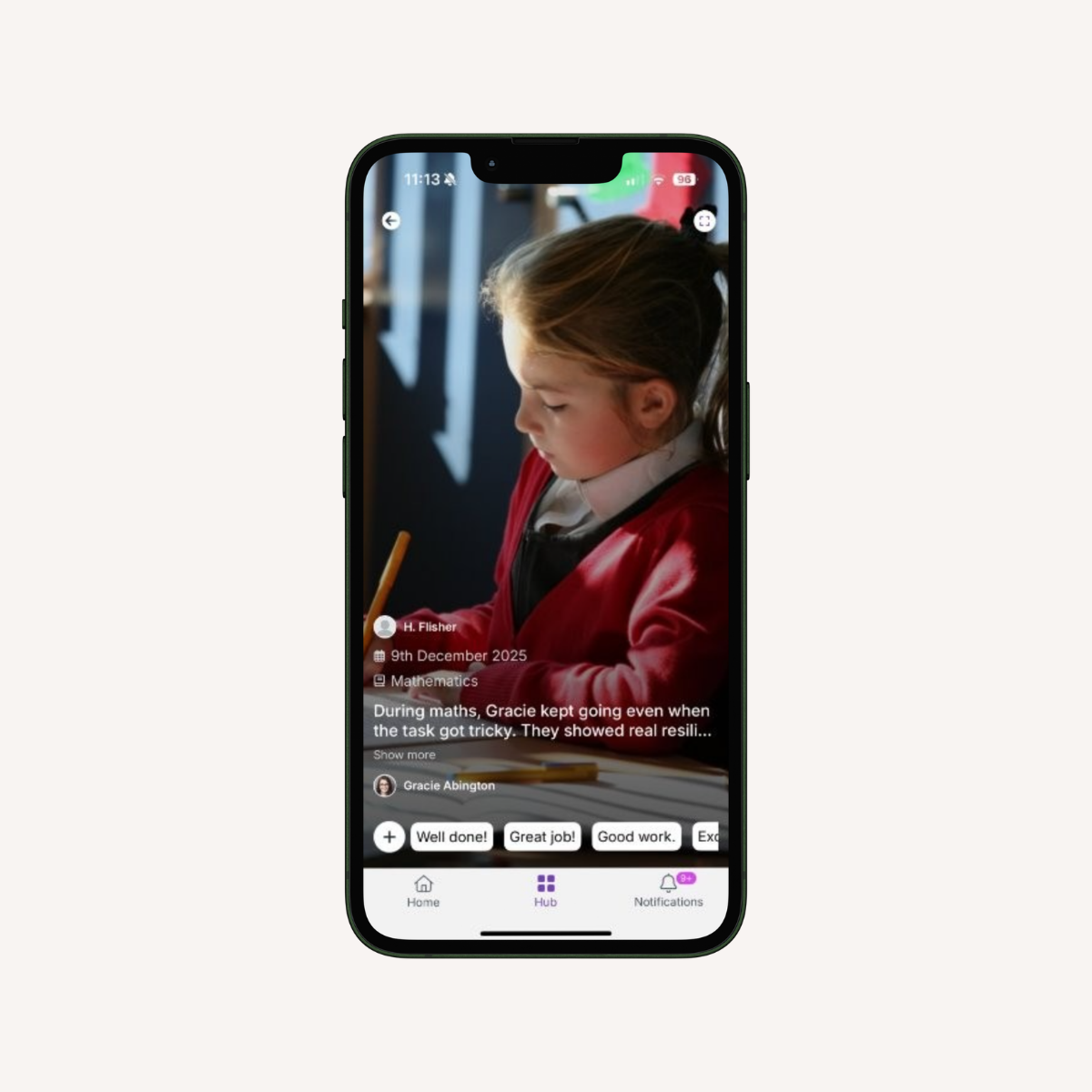
Record observations with photos and pupil tagging to build a clear picture of progress.

Share with parents
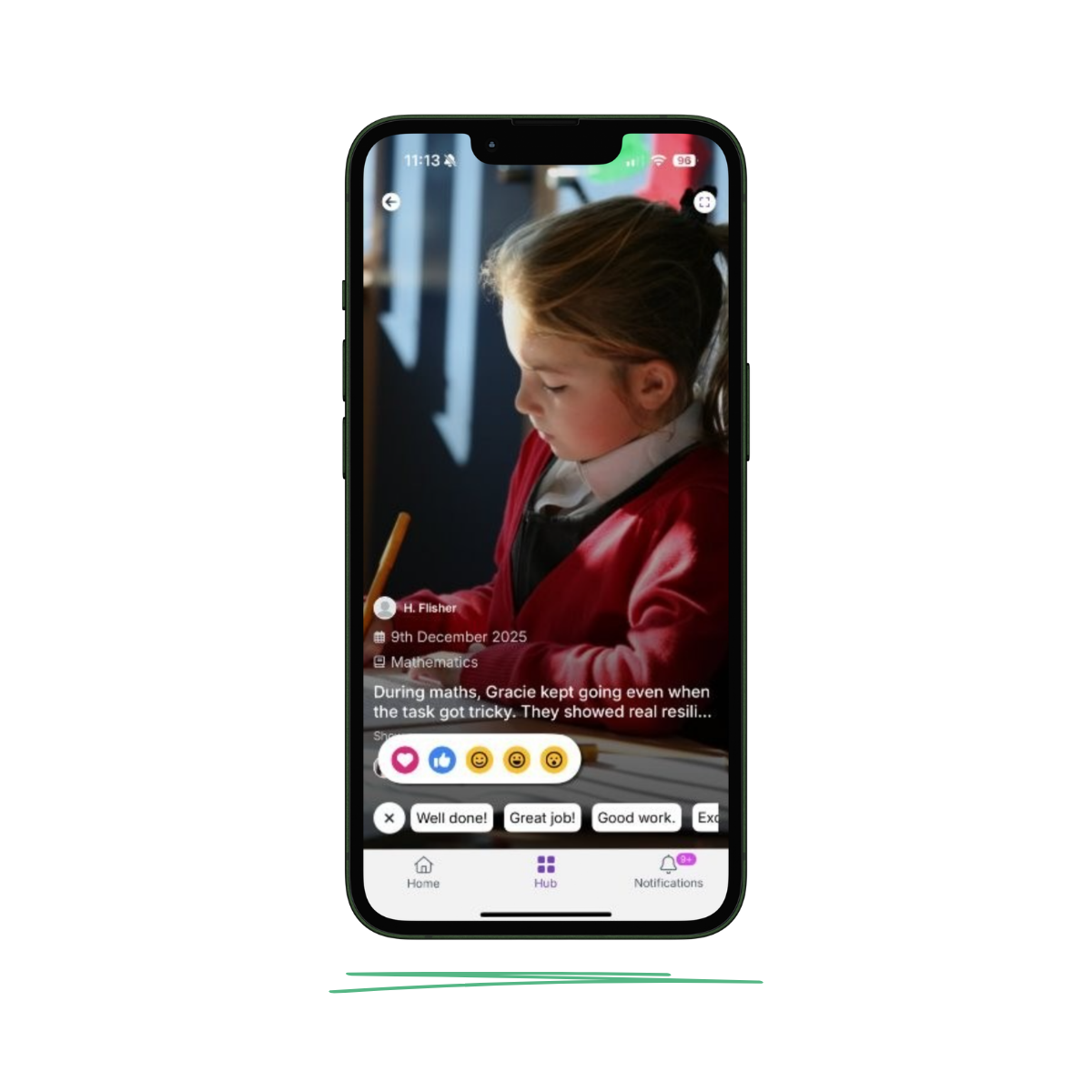
Send observations directly via the Juniper Education App so families can celebrate learning at home and stay connected to progress.

Curriculum objective tagging
Map observations to EYFS and primary curriculum objectives to build meaningful evidence of attainment.

Advanced filtering
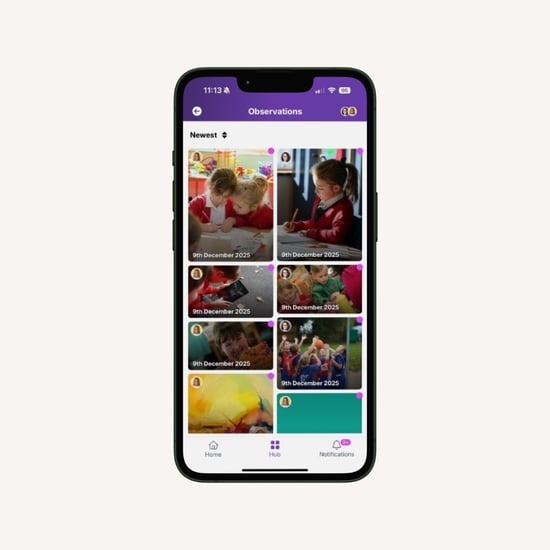
Filter observations by pupil, date, subject or curriculum area to quickly find the information you need.

Observation summary
View observation counts per pupil, identify coverage gaps and monitor progress across subjects at a glance.

PDF reporting
Download professionally formatted summaries ready to share with parents, governors, subject leaders and Ofsted.

Interactions

Bringing learning to life for families

Secure sharing
  • Send observations home via the Juniper Education App
  • Enable approvals to ensure consistent and accurate content is sent home
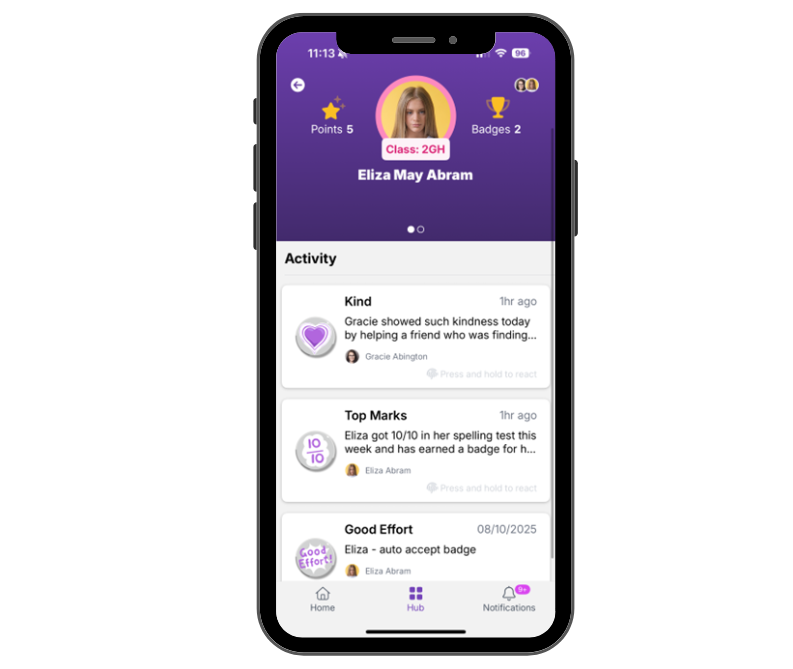
This feature allows schools to share approved observation evidence with parents through the Juniper Education App, supporting clear, consistent communication, and strengthen parental understanding pupils' learning.
Evidence reports
  • Create evidence-rich pupil and subject reports
  • Demonstrate small step learning for pupils with SEND
This feature enables schools to capture and use consistent observation evidence to support meaningful professional dialogue, strengthen subject leadership oversight, and provide clear, reliable evidence for evaluation and quality assurance.
Enhanced messaging
  • Share timely news and updates directly with parents through the app
  • Give families clear visibility of pupil attendance in one place
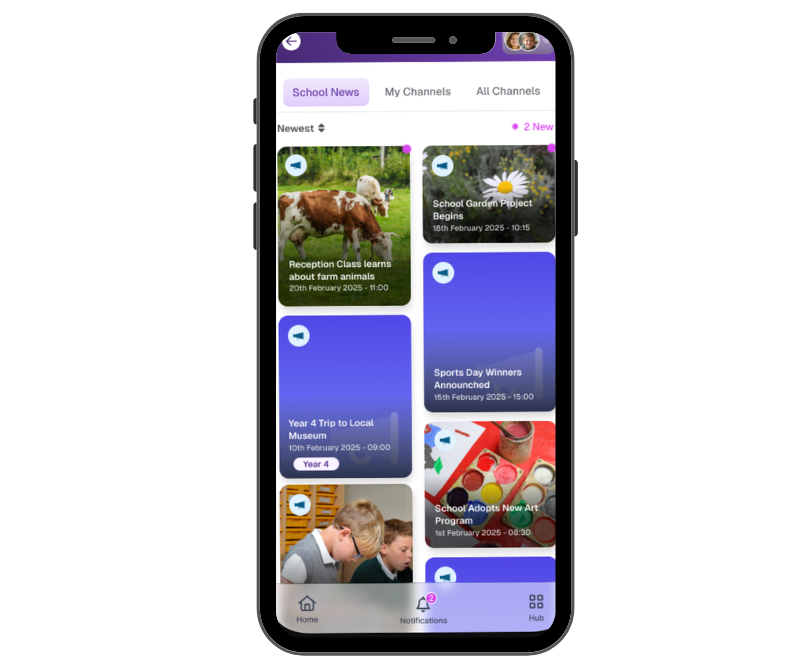
This feature enables clear, timely communication with families while reducing costs by replacing SMS, helping schools improve transparency, strengthen engagement and manage communication more sustainably.


Observations List
Observation View
Interactions-1

"Wider evidence shows the benefits of parental engagement throughout children’s time at school."
-
 Every Child Achieving and Thriving, Schools White Paper, February 2026

Frequently asked Observations questions

What is the Juniper Education App?

The Juniper App is a secure platform that helps schools share information with families in one place. Parents can access school news, messages, achievements, and learning updates, helping them stay connected to their child's education without needing multiple systems.

What is the Observations Module?

The Observations Module allows schools to capture meaningful evidence of pupil learning using notes, photos, and curriculum-linked observations. Observations help build a clear picture of progress over time and can be shared with families through the Juniper Education App.

How do I access the Observations Module?

The Observations Module is available to schools using Sonar Tracker. Once enabled, staff can record observations and share them with parents through the Juniper Education App, supporting a more joined-up approach to tracking progress and engaging families.

How do teachers create an Observation?

Observations can be created using a photograph, written description, and by tagging one or more pupils. Observations can be saved as drafts or published when ready.

Can photos be included in observations?

Yes. Teachers can take photos using a mobile device or upload existing images to provide visual evidence of learning.

Can multiple pupils be included in one observation?

Yes. Observations can be tagged to EYFS or primary curriculum subjects and objectives, helping schools build meaningful evidence of progress.

Can observations be saved as drafts?

Yes. Observations can be saved and edited later before being published.

Can schools control who can see observations?

Yes. Schools can choose whether observations are visible to staff only or shared with parents through the parent-facing app.

Can observations be filtered to find specific information?

Yes. Observations can be filtered by pupil, subject, audience, or date range, helping staff quickly find relevant evidence.

How are observations reviewed before being shared with parents?

Observations can be reviewed and approved before publication to ensure content is appropriate before being shared with families.

 The Juniper Education App brings key areas of school life together in one place, helping staff save time while keeping families informed, engaged and connected. 
Awards and Activities-1


Awards and Activities

Celebrate pupil achievements and manage clubs, trips and enrichment activities in one place. Schools can share updates, recognise success and keep parents informed about activities without relying on paper forms or multiple systems. 
School news-1


Communicate

(available with Juniper Websites) 

 The Communicate Module connects your school website with the Juniper App, helping you share news, updates and important information with families quickly, consistently and in one place. 
 

Make learning visible beyond the classroom


  • Capture photos, notes, and evidence of learning as it happens

  • Share meaningful observations securely with families through the Juniper Education App

  • Reduce duplication by recording and sharing in one place

  • Ensure parents receive timely, consistent insight into pupils' development

  • Support improved parental engagement and strengthen the connection between school and home